Show all articles
How Grum works: one design contract for every agent
Grum brings your code, live site, design tools, and AI coding assistants together around the same design decisions, so each new change has a clear standard to follow.
The goal is straightforward: keep implementation moving while making design changes visible to the people who care about the system. Designers can help shape new patterns before they quietly spread, and agents get concrete guidance as they build.
Bring the workflow together
Product design is spread across tools. The code shows how decisions were implemented. The live site shows what shipped. Design tools hold source components and layouts. Conversations with an agent contain the latest request. Grum connects these inputs to give a project one shared design context.
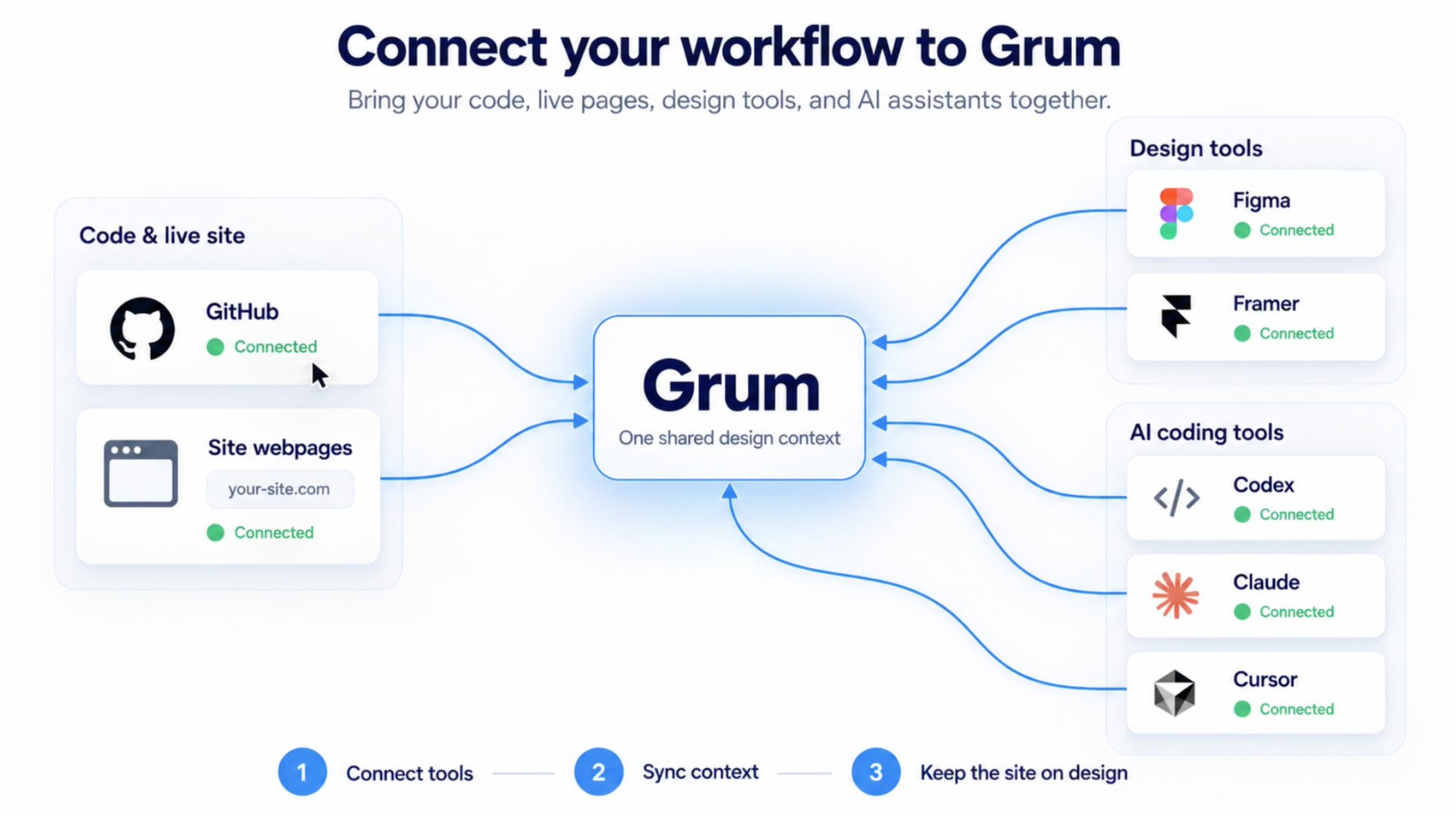
Teams connect the sources they use, then link a repository and identify the live site or local page that should be checked. Grum can compare the project's implementation with the agreed system and capture how a new element renders, so review has both code context and a visual reference.
The connections help the agreement stay grounded in the product the team is actually building. The contract is not an abstract style guide detached from the code or the page people use.
Make the design contract explicit
The design contract records what the team has approved and how to use it. It can include color, typography, spacing, and radius tokens, along with components such as buttons and inputs, their supported looks and states, and practical usage rules.
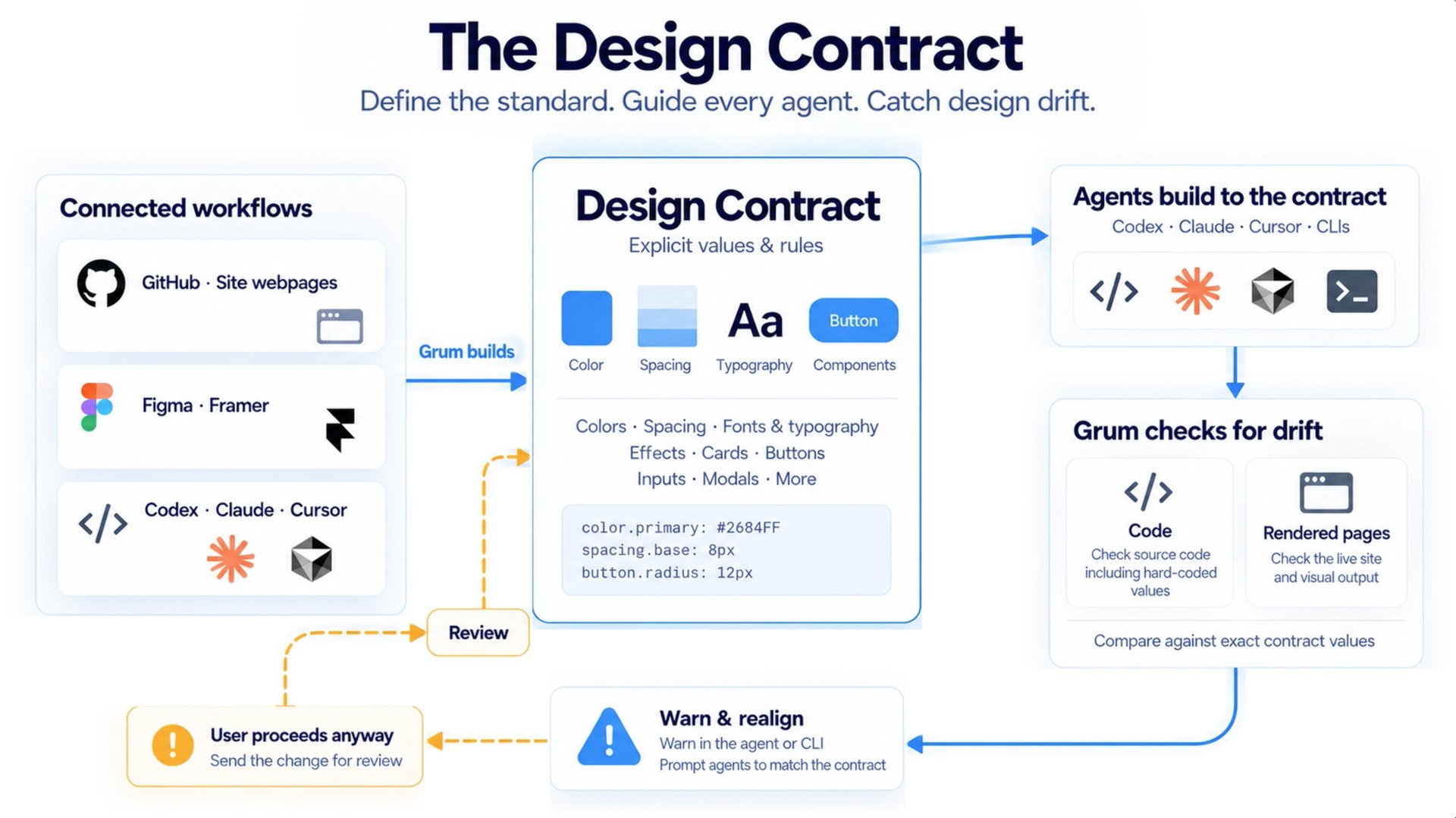
These are usable instructions, not just a list of values. A token has a name the agent can reference. An approved component tells it which implementation and states to reuse. A rule can explain when a departure needs review.
Grum checks code and, where connected, rendered pages against those choices. If a change introduces a new color, radius, or component that is outside the contract, the team can see that drift and decide what should happen. The contract provides a consistent starting point while leaving room for a product to evolve.
Set up the agent, then keep working in its workflow
Setup is designed to happen in the coding workflow. Link the repository, connect the project to its design context, choose the relevant site or local page for visual review, and configure the agent integration. The setup flow provides the repository instructions and tool configuration the agent needs to consult Grum.
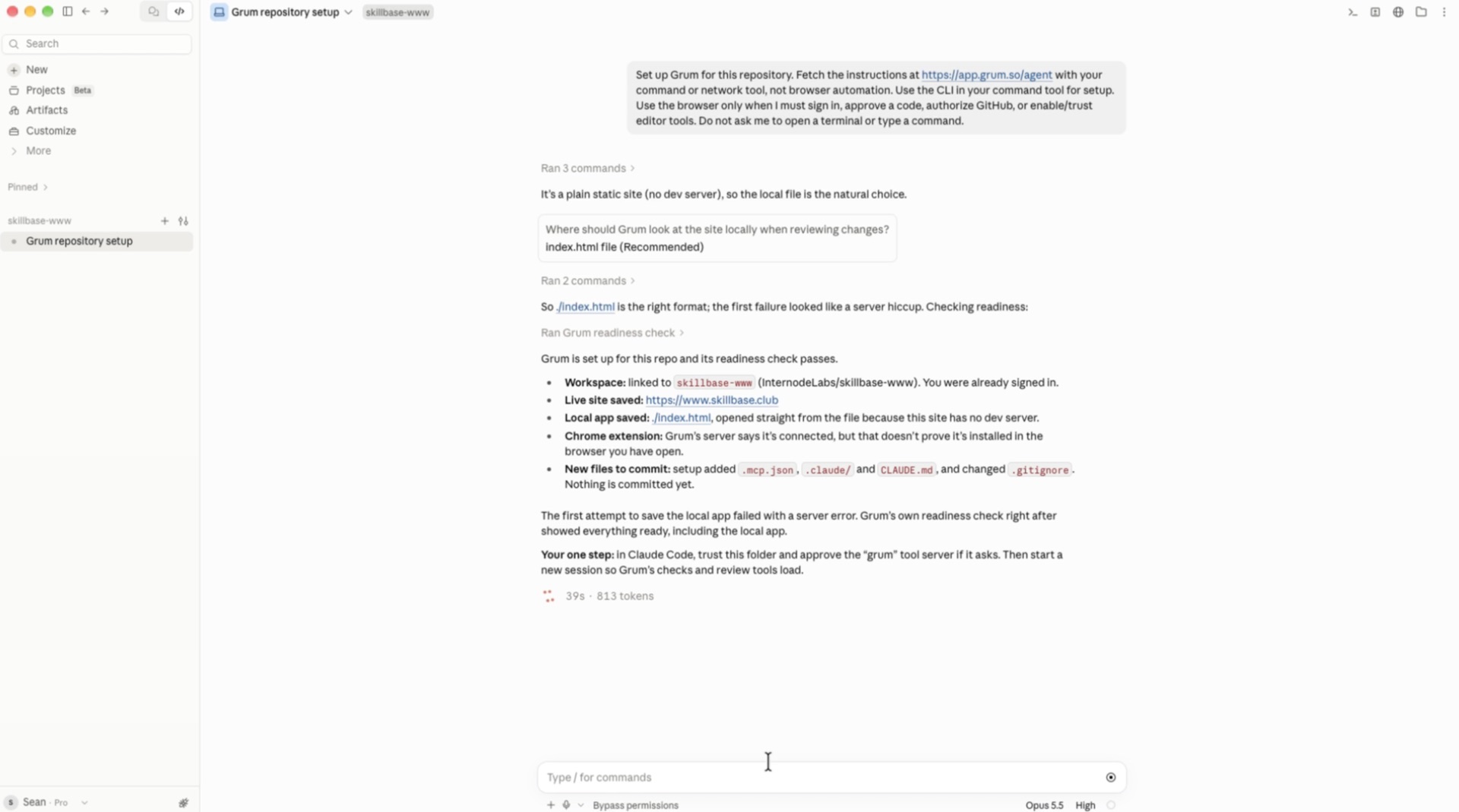
Once connected, keep asking for changes in the agent you already use. When a request reaches beyond the contract, Grum can explain the constraint and offer a path forward. The agent can reuse an approved token or component, or the team can choose to explore a new direction and send it for review.
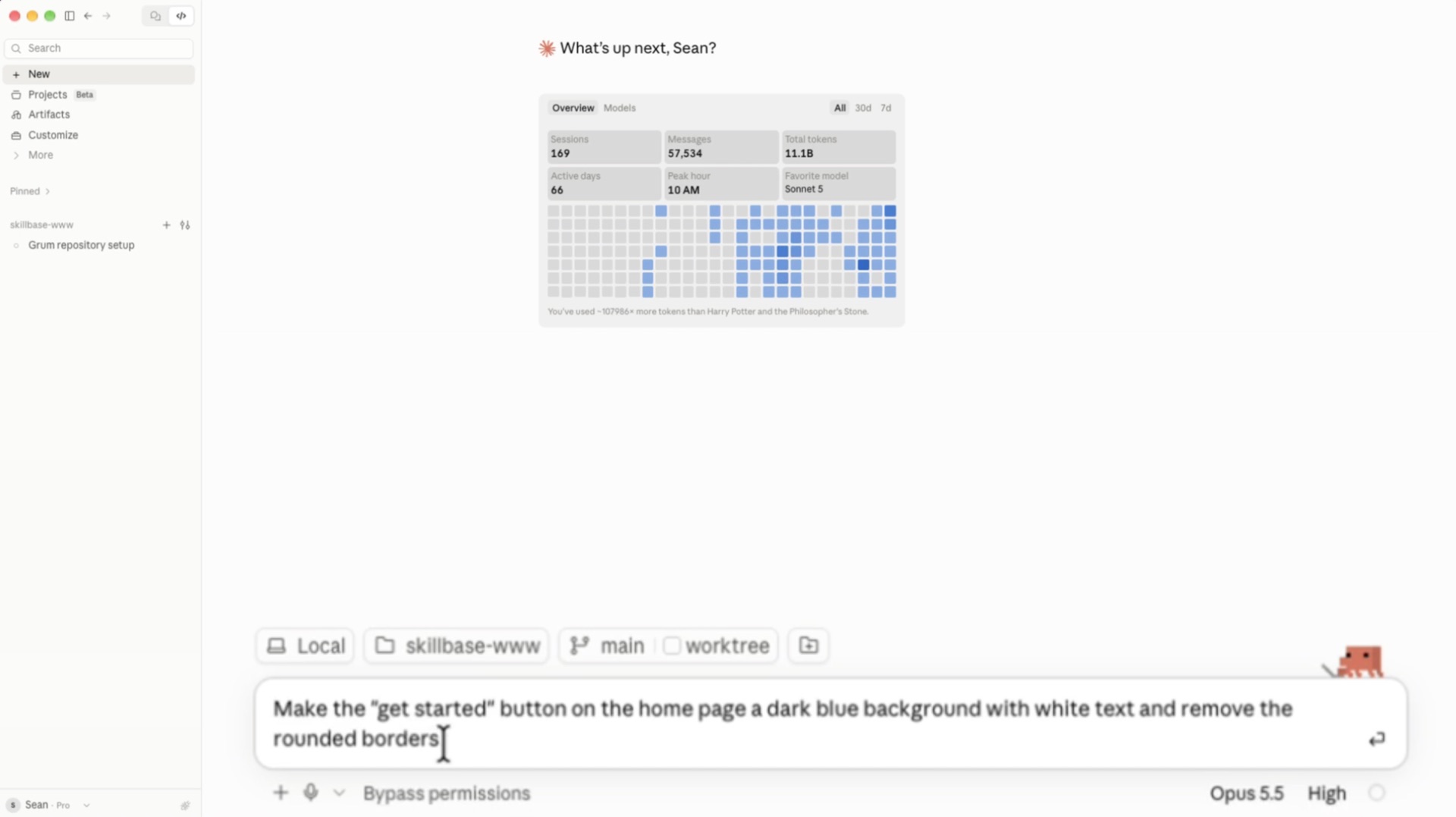
This lets design guidance stay close to the moment it matters. There is no need to remember to open a separate system after each prompt just to find out whether a new color or button was introduced.
Keep changes visible to the people who care
Say you ask an agent to give a button a new color and remove its rounded corners. If those choices are not in the contract, Grum can point that out before the change becomes an accidental new standard. You can adjust the request to use an existing button, or continue with the idea and request a review.
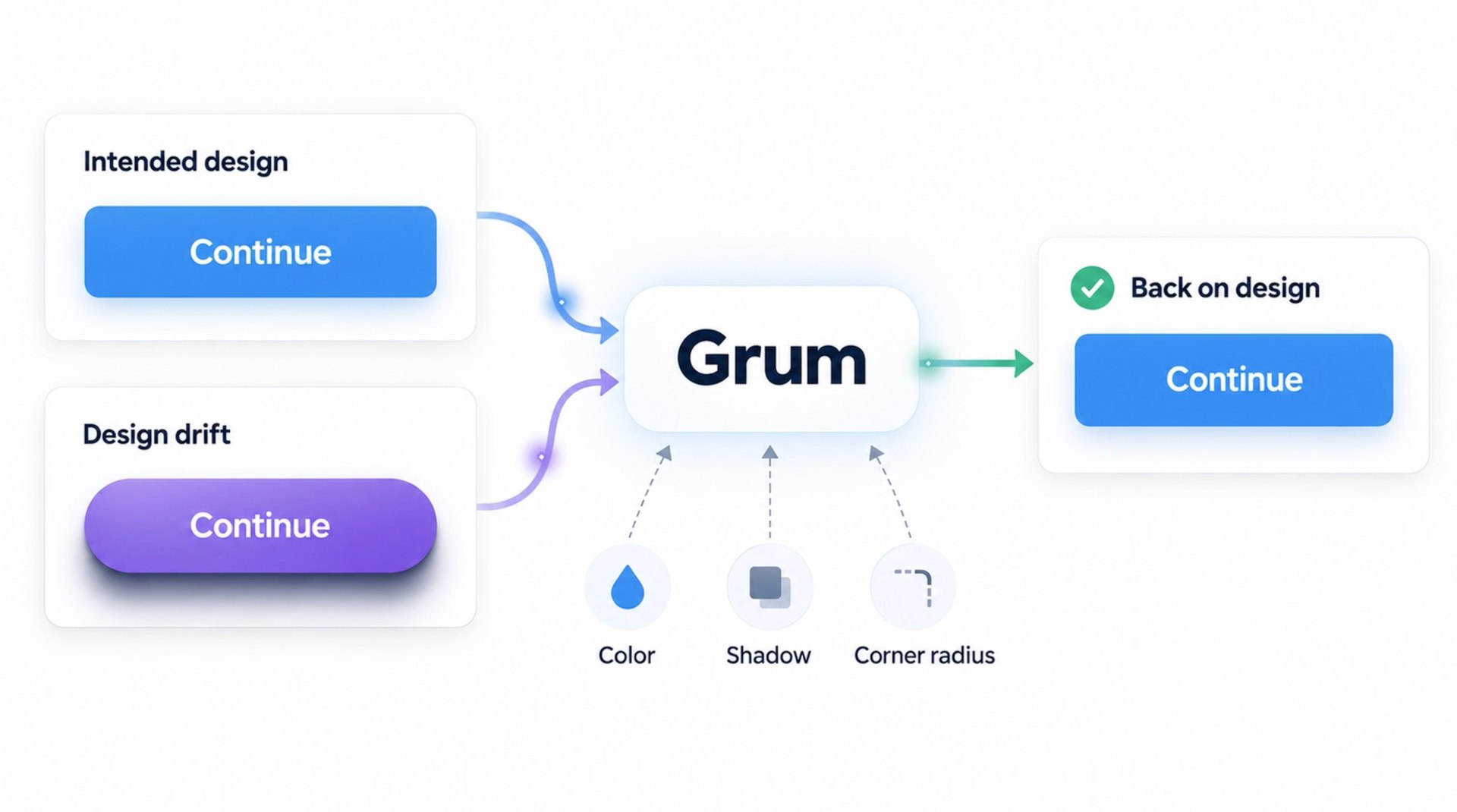
A review request gives designers and other reviewers enough context to respond: where the element appears, how it renders, what the contract says, and what changed. They can allow the new pattern or explain what should happen instead. If the team approves a reusable change, the contract can be updated so the next request has the new decision to follow.
That feedback loop is how Grum helps designers avoid being surprised by a new component or color after implementation. People can make a deliberate call while the change is still easy to discuss, and the agent can keep helping within the workflow.
Use the agent and CLI you already have
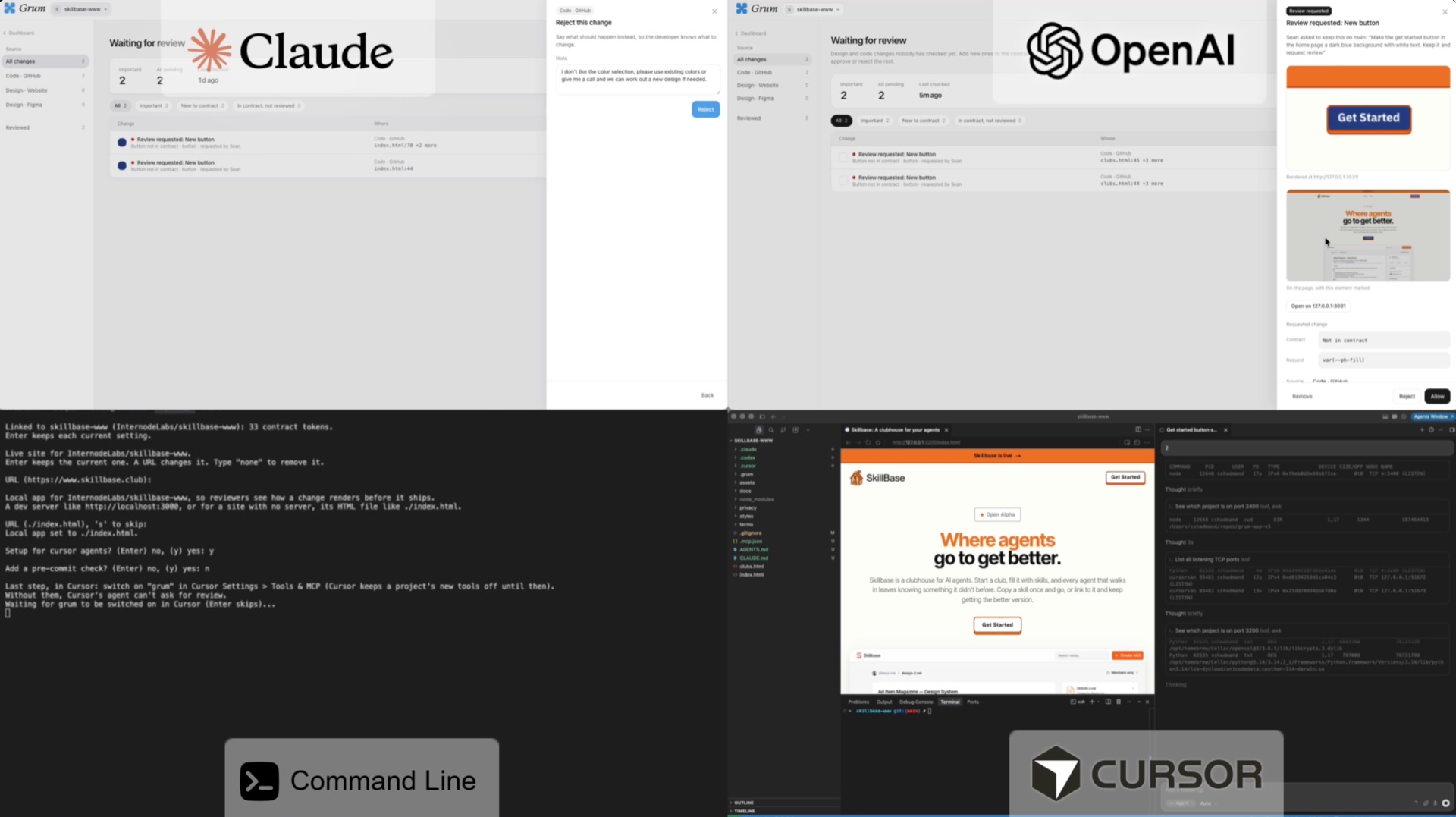
Grum is designed to work alongside the major AI coding workflows, including Codex, Claude Code, Cursor, and command-line interfaces. Setup varies a little by environment, but the principle is the same: the agent can access the project's contract and Grum checks from the tools where you are already working.
People can keep using the coding assistant and review habits that fit their team. Grum supplies shared design context and a consistent way to catch drift across those environments.